

Sync…
InitBoot Done [ 0x81 ] , Ver : SPRD3
Sync…
Sending boot …
Boot Sent , starting…
Boot Ver : Spreadtrum Boot Block version 1.2
Boot Ok
CPU ID : 6531 , FDLStat : 0100
[0] Flash DIE : 00EF 0060 0017 0000
[0] Flash VEN : Winbond , W25Q64
[0] Flash CAP : 00800000
Read Flash Content
Read Ok , collect info
Platform : MOCOR_12C.W13.04.14_Release
Project : SC6531_BAR
HWInfo : SC6531_BAR
Compile : Version:
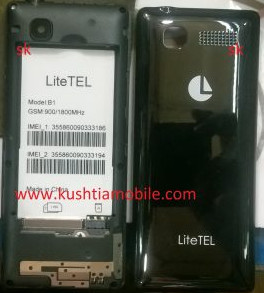
LiteTEL_B1_HW1_V4_20180125
Build Time:
01-25-2018 17:04:26
Set FileInfo :
Model Vendor : gg
Model Name : hh
ExtInfo Data : jj
Saved to : !
Mobile Flash solution
SPD CPU:
1. Firstly setup the SPD USB driver your pc. ( Download SPD Driver).
2. Connect the mobile to pc using USB data cable. Mobile must be switched off and disconnect the battery from mobile.
3. Open the software tools/crack/box for flash. ( Download flash tool ).
4. Browse the flash file from your pc. firmwaer password link
5. Press the boot key( boot ke 0 ) to connect for flash. (Litetel B1 Firmwaer Download Link )
6. When flash will be done. Please disconnect the mobile battery and connect again. If Mobile battery is attached, then press the volume up + down + Power button in the same time until restart the mobile.