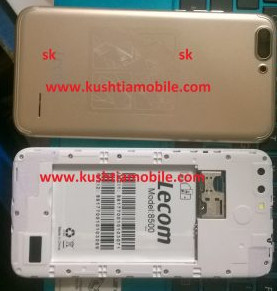


Device Brand : 8500 Venus
Device Model : 8500 Venus
Device CPU : MT6580
Device IntName : 8500 Venus
Device Version : 7.1.1
Device Compile : 5/10/2018 7:45:01 AM
Device Project : ALPS.L1.MP6.V2_YUANDA6580.WEG.L_P2
Device ExtInfo : U2
Mobile Flash solution
MTK CPU:
1. Firstly setup the MTK USB driver your pc. ( Download MTK Driver).
2. Connect the mobile to pc using USB data cable. Mobile must be switched off and disconnect the battery from mobile.
3. Open the software tools/crack/box for flash. ( Download flash tool ).
4. Browse the flash file from your pc. password link free= http://sksoha.com/single.php?id=39&cat=8
. No need to press the boot key to connect for flash. (lecom 8500 Firmwaer Download Link )
6. When flash will be done. Please disconnect the mobile battery and connect again. If Mobile battery is